
EXCEL ESSENTIALS
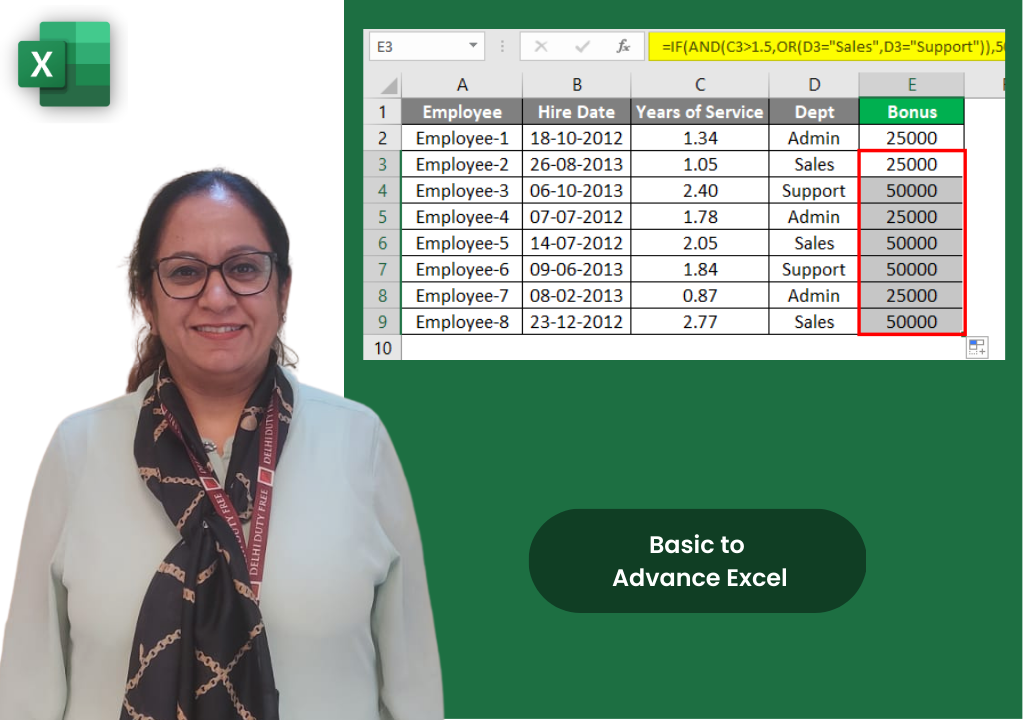
Programme Overview
This programme provides a thorough introduction to Microsoft Excel, one of the world's most widely used business tools. Participants move from basic navigation to practical data management, formula writing, data organisation, and chart creation. By end of day, they will confidently handle everyday Excel tasks with speed and accuracy.
Course Content
Module 1: Getting Started with Excel (1.5 Hours)
- The Excel Interface: Ribbon, tabs, Name Box, and Formula Bar
- Workbooks & Worksheets: Creating, saving formats, and grouping sheets
- Data Entry & Cell Basics: Entering data, AutoFill, and Flash Fill
- Paste Special menu and Find & Replace basics
Module 2: Formatting for Clarity & Professionalism (1.5 Hours)
- Cell & Text Formatting: Fonts, borders, alignment, and Format Painter
- Number Formats: Currency, dates, and custom number formats
- Excel Tables: Converting data (Ctrl+T) and table styles
- Conditional Formatting: Data bars, colour scales, and highlight cells rules
Module 3: Essential Formulas & Functions (2 Hours)
- Formula Fundamentals: Order of operations and cell references
- Core Business Functions: SUM, AVERAGE, COUNT, MAX, MIN
- Conditional Functions: SUMIF(S), COUNTIF(S), and IF functions
- Date, Text & Lookup Functions: VLOOKUP, CONCATENATE, and TODAY
Module 4: Data Organisation & Validation (1.5 Hours)
- Sorting & Filtering: Multi-level sorting and AutoFilter
- Data Validation: Dropdown lists and restricting input ranges
- Input messages and Error alerts (Stop, Warning)
- Introduction to PivotTables: Source data prep and summarising
Module 5: Charts, Page Layout & Printing (1.5 Hours)
- Creating & Formatting Charts: Choosing types and modifying elements
- Sparklines: Inserting line, column, and win/loss types
- Page Layout: Setting print area and page breaks
- Printing: Headers/footers, fit to page scaling, and print preview
Course Details
Learn essential tools designed for your everyday business tasks.
Duration
1 DAY, 8 HOURS
Delivery Format
Instructor-led (classroom or virtual)
Target Audience
Beginners, admin staff, new joiners
Get Pricing
Why Upwise?
Expert Trainer
Learn from Ritu Arora, a Microsoft Certified Trainer.
Practical Delivery
Instructor-led training available in both classroom or virtual formats.
Hands-on Practice
Includes hands-on practice files and step-by-step guided exercises.
Final Activity
Concludes with a practical activity building a complete formatted report from raw data.
Beginner Friendly
No prior Excel experience is required to join this course.
Prerequisites
Only basic computer literacy (typing, mouse use, file management) is recommended.
What You Will Gain
Speed and Accuracy
Confidently handle everyday Excel tasks with speed and accuracy.
Reliable Insights
Sort, filter, and validate data to draw quick and reliable insights.
Professional Outputs
Set up printing, page layout, and file management for professional outputs.
Visual Analysis
Use data bars, colour scales, and icon sets for visual analysis.
Error Handling
Learn the IFERROR function to handle errors gracefully.
Time Saving
Reduce manual errors and save significant time in everyday business tasks.

Meet Our Trainer
Ritu Arora is a corporate trainer with 20+ years of experience, having trained over 100,000 professionals across 2,500+ organizations. She also spent 11 years at the Abu Dhabi National Oil Company, delivering Microsoft Office training in international corporate environments.
She is an expert in Advanced Excel and PowerPoint, author of Advance Excel Guide and Mastering Advanced Excel with ChatGPT Integration, and collaborates with CII and Sumitomo Mitsui Banking Corporation to provide advanced Microsoft Office training.
What Our Learners Say
Discover how professionals and organizations have transformed their skills and achieved remarkable results with Upwise.
"Really appreciate Ritu ji for conducting the corporate MS excel session. Attended both Intermediate and Advanced class, and learnt advanced features of Excel including Macro which was quite helpful for the work. Your Kind and patient guidance definitely accelerated the learning."

Trusted by teams at:




Ready to Master Excel Essentials?
Transform your Excel Essentials skills with hands-on projects, real-world case studies, and expert-led training.