MS WORD ESSENTIALS
Produce structured, professionally formatted documents.
Designed for new joiners, administrative staff, and professionals who regularly create business documents.
Programme Overview
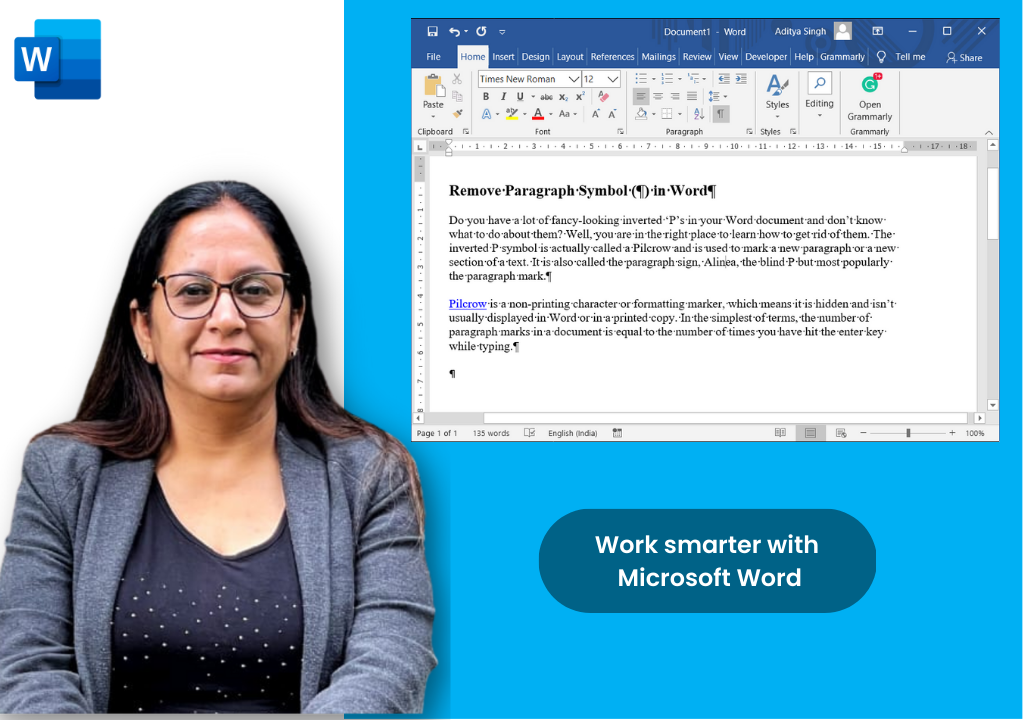
Microsoft Word is the foundation of business writing yet most people have never been formally trained in it and use only a fraction of its capability. This programme gives participants the skills to produce structured, professional documents efficiently: from consistent formatting with styles to long document navigation, collaborative review with track changes, and personalised bulk communication with mail merge.
Course Content
Module 1: Word Interface & File Management (1 Hour)
- Ribbon, Tabs, Groups, and Quick Access Toolbar layout
- Document views and Navigation Pane usage
- File management formats (.docx, PDF) and Document Inspection
Module 2: Text Formatting & Paragraph Styles (1.5 Hours)
- Font formatting, effects, and Format Painter
- Paragraph spacing, indents, alignment, and borders
- Applying, modifying, and creating dedicated paragraph styles
Module 3: Long Document Structure & Navigation (1.5 Hours)
- Automatic Table of Contents generation and cross-referencing
- Section breaks, differing layouts, and dynamic page numbering
- Numbered outlines and custom.dotx templates
Module 4: Tables, Images & Visual Objects (1.5 Hours)
- Inserting, styling, and AutoFitting tables
- Image croppings, text wrappings, and compressors
- SmartArt utilities and linked/embedded Excel charts
Module 5: Collaboration, Mail Merge & Productivity (2.5 Hours)
- Track Changes, thread comments, and file co-authoring
- End-to-end Mail Merge wizardry via Excel sheets
- Accessibility Checker, password protections, and PDF exporting
Course Details
Interactive, instructor-led training with hands-on practice exercises.
Duration
1 DAY, 8 HOURS
Format
Instructor-led
Audience
New joiners, staff
Get Pricing
Why Upwise?
Expert Faculty
Learn directly from Ritu Arora, a Microsoft Certified Trainer.
Practical Approach
Hands-on exercises throughout including a full mail merge activity using a real-world dataset and a final document formatting challenge.
Flexible Timing
Weekend and weekday batches available to suit busy schedules.
Learning Tools
Comprehensive study materials and practice files provided for reference.
Case Study
Master tools designed for everyday business documentation.
Certification
Receive a completion certificate that adds significant value to your professional resume.
What You Will Gain
Consistent Formatting
Use styles, headings, and automated tables of contents.
Document Templates
Create organisation-aligned Word templates (.dotx).
Visual Objects
Insert and manage tables, images, charts, and SmartArt.
Collaboration & Review
Track changes, add comments, and co-author in real-time.
Mail Merge
One template, many personalised outputs for letters, emails, and labels.
Security & Proofing
Accessibility checker, document protection, and editing restrictions.

Meet Our Trainer
Ritu Arora is a corporate trainer with 20+ years of experience, having trained over 100,000 professionals across 2,500+ organizations. She also spent 11 years at the Abu Dhabi National Oil Company, delivering Microsoft Office training in international corporate environments.
She is an expert in Advanced Excel and PowerPoint, author of Advance Excel Guide and Mastering Advanced Excel with ChatGPT Integration, and collaborates with CII and Sumitomo Mitsui Banking Corporation to provide advanced Microsoft Office training.
What Our Learners Say
Discover how professionals and organizations have transformed their skills and achieved remarkable results with Upwise.
"Really appreciate Ritu ji for conducting the corporate MS excel session. Attended both Intermediate and Advanced class, and learnt advanced features of Excel including Macro which was quite helpful for the work. Your Kind and patient guidance definitely accelerated the learning."

Trusted by teams at:




Ready to Master MS Word Essentials?
Transform your MS Word Essentials skills with hands-on projects, real-world case studies, and expert-led training.