
POWER BI BASIC
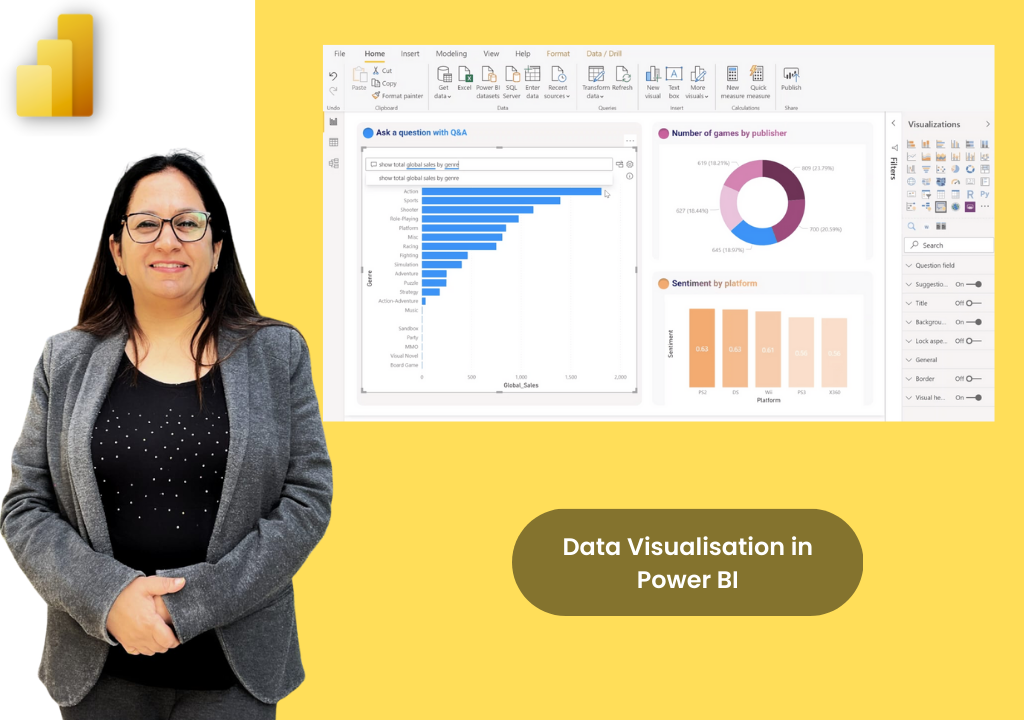
Programme Overview
Power BI is Microsoft's leading business intelligence platform - enabling anyone to connect to data, build stunning visual reports, and share insights across their organisation. This one-day programme guides participants from first principles through to publishing and sharing a fully functional report. No technical background required. By end of day, every participant will have built and published their first Power BI dashboard.
Course Content
Module 1: Introduction to Power BI (1.5 Hours)
- What is Power BI & The Product Family (Desktop, Service, Mobile, Gateway)
- Power BI vs. Excel and real-world use cases
- Navigating Power BI Desktop (Report Canvas, Data, and Model views)
- Understanding Fields, Visualisations, and Filters panes
Module 2: Connecting to & Preparing Data (1.5 Hours)
- Getting Data: Excel, CSV, Web, and OneDrive/SharePoint
- Power Query Editor basics: Data types, renaming, and filtering
- Splitting columns and handling null values
- Load vs. Close & Apply, data refreshing, and resolving errors
Module 3: Data Modelling for Beginners (1 Hour)
- Understanding the Data Model and relationship diagrams
- One-to-many relationships and drag-and-drop creation
- Implicit vs. explicit measures and writing your first DAX measure
- Using Quick Measures for common calculations
Module 4: Building Reports & Visuals (2.5 Hours)
- Visual Types: Bar, line, pie, card, matrix, map, and gauge
- Adding & Formatting Visuals: Data labels, tooltips, and sorting
- Filters, Slicers & Interactions: Cross-filtering and drill-through
- Report Design: Page sizing, backgrounds, themes, and shapes
Module 5: Publishing & Sharing (1.5 Hours)
- Publishing to Power BI Service (understanding workspaces)
- Creating & Managing Dashboards: Pinning visuals and web tiles
- Sharing, Exporting & Next Steps: Email, Microsoft Teams, PDF/PPT
- Introduction to Power BI Apps and Microsoft Learn resources
Course Details
Practical learning options for individuals and teams.
Duration
1 DAY, 8 HOURS
Delivery Format
Instructor-led (classroom or virtual)
Target Audience
Business users & analysts
Get Pricing
Why Upwise?
Expert Trainer
Learn from Ritu Arora, a Microsoft Certified Trainer.
Guided Project
Build a complete sales or operations dashboard from raw data to published report.
Practical Delivery
Instructor-led training available in both classroom or virtual formats.
Beginner Friendly
No prior Power BI experience or technical background is needed.
Immediate Application
Return to work with practical, immediately applicable BI skills.
Prerequisites
Only basic computer skills and familiarity with Excel data concepts are required.
What You Will Gain
Data Connectivity
Get data into Power BI from Excel, CSV, websites, and SharePoint/OneDrive.
Data Preparation
Clean and shape data using Power Query Editor for reliable reporting.
Visual Data Storytelling
Build interactive reports comparing categories, showing change over time, and tracking KPIs.
Data Modelling
Understand relationships, create cross-filter directions, and write your first DAX measure.
Interactive Dashboards
Pin visuals from reports to a dashboard and set featured home dashboards.
Publishing & Sharing
Share reports directly by email or embed them in Microsoft Teams for team visibility.

Meet Our Trainer
Ritu Arora is a corporate trainer with 20+ years of experience, having trained over 100,000 professionals across 2,500+ organizations. She also spent 11 years at the Abu Dhabi National Oil Company, delivering Microsoft Office training in international corporate environments.
She is an expert in Advanced Excel and PowerPoint, author of Advance Excel Guide and Mastering Advanced Excel with ChatGPT Integration, and collaborates with CII and Sumitomo Mitsui Banking Corporation to provide advanced Microsoft Office training.
What Our Learners Say
Discover how professionals and organizations have transformed their skills and achieved remarkable results with Upwise.
"Really appreciate Ritu ji for conducting the corporate MS excel session. Attended both Intermediate and Advanced class, and learnt advanced features of Excel including Macro which was quite helpful for the work. Your Kind and patient guidance definitely accelerated the learning."

Trusted by teams at:




Ready to Master Power BI Basic?
Transform your Power BI Basic skills with hands-on projects, real-world case studies, and expert-led training.