POWER BI INTERMEDIATE
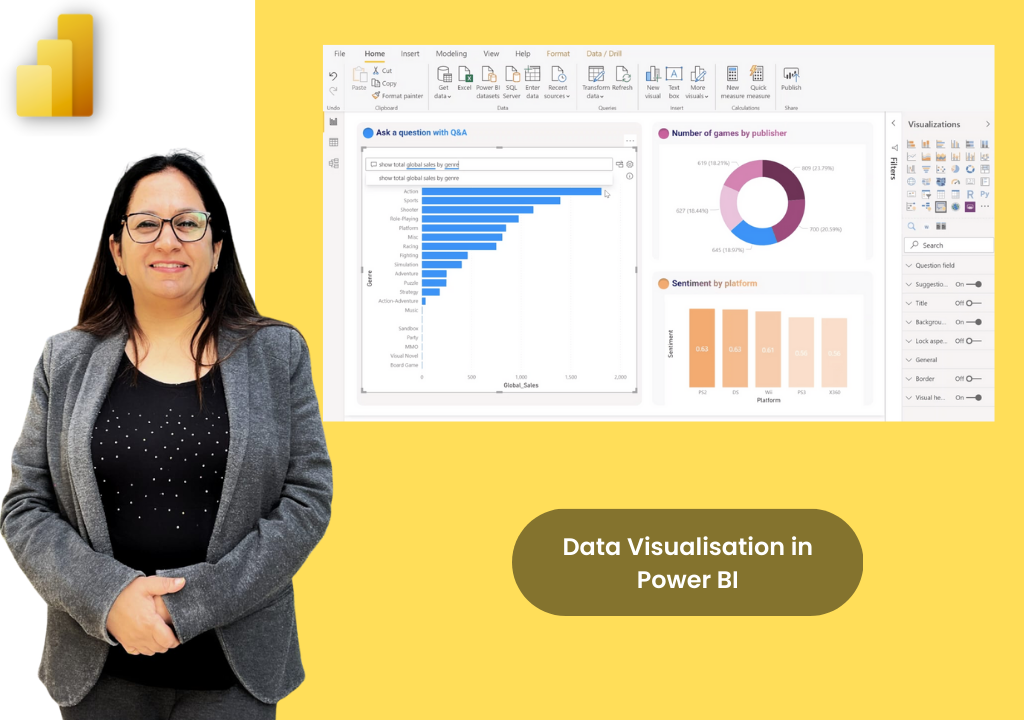
Programme Overview
Building on foundational Power BI knowledge, this advanced programme dives deep into DAX, sophisticated data modelling, interactive report design, and enterprise governance. Participants learn to build production-quality dashboards that are dynamic, performant, and ready for organisation-wide deployment with proper security controls.
Course Content
Module 1: Advanced Data Modelling (2.5 Hours)
- Star/Snowflake schemas and relationship management
- Bidirectional cross-filtering and many-to-many relationships
- Date Tables & Time Intelligence setup (CALENDAR, CALENDARAUTO)
- Model Optimisation (Import vs. DirectQuery vs. Composite)
Module 2: DAX - Intermediate to Advanced (3 Hours)
- Filter Context & Row Context (ALL, ALLEXCEPT, ALLSELECTED)
- CALCULATE syntax and modifiers (FILTER, KEEPFILTERS)
- Iterator Functions (X-Functions) and Time Intelligence (TOTALYTD)
- Variables, RANKX, and dynamic segmentation patterns
Module 3: Advanced Visualisations & Report Design (2.5 Hours)
- Matrix, Waterfall, Scatter, Key Influencers & Decomposition Tree
- Bookmarks, Buttons & Page Navigator for interactive routing
- Dynamic chart titles and report tooltip hover pages
- Conditional formatting, field parameters, and custom JSON themes
Module 4: Row-Level Security & Service Governance (2 Hours)
- Implementing Static & Dynamic Row-Level Security (RLS)
- Workspace types, dataset sharing, and certification endorsement
- Gateway configurations and scheduled refreshes
- Deployment Pipelines: Development → Test → Production
Module 5: Performance & Best Practices (1.5 Hours)
- Performance Analyser: Measuring visual queries and DAX time
- Optimising DAX & Models: Measures vs calculated columns
- Design Accessibility: Alt text, tab order, mobile layouts
- Naming conventions and documenting the data model
Module 6: Capstone Project & Certification (2.5 Hours)
- End-to-end dashboard build applying all learned concepts
- Peer review, structured feedback, and presentation
- Avoiding common Power BI pitfalls in production
- Power BI Data Analyst (PL-300) certification pathway overview
Course Details
Comprehensive 2-day training program designed for working professionals.
Duration
2 DAYS, 16 HOURS
Delivery Format
Instructor-led (classroom or virtual)
Target Audience
BI analysts & data teams
Get Pricing
Why Upwise?
Expert Trainer
Learn from Ritu Arora, a Microsoft Certified Trainer.
Capstone Project
Build an end-to-end solution: from data and modeling to DAX and interactive dashboards.
Practical Delivery
Instructor-led over 2 days with guided exercises and real business datasets.
Target Audience
Ideal for Power BI Basic graduates, BI analysts, reporting professionals, finance and data teams.
Enterprise Ready
Build production-quality dashboards ready for organisation-wide deployment.
Prerequisites
Completion of Power BI Basic and basic familiarity with DAX (SUM, CALCULATE).
What You Will Gain
Advanced Data Modelling
Master star/snowflake schemas, many-to-many relationships, and dedicated Date Tables.
DAX Mastery
Command filter contexts, CALCULATE modifiers, X-Functions, and Time Intelligence DAX.
Interactive Reporting
Create dynamic user experiences using bookmarks, buttons, drill-throughs, and custom themes.
Row-Level Security (RLS)
Implement static and dynamic RLS to securely control data access by user roles.
Performance Optimisation
Use the Performance Analyser and best practices to optimize DAX, models, and visuals.
Service Governance
Manage Premium workspaces, dataset endorsements, gateways, and deployment pipelines.

Meet Our Trainer
Ritu Arora is a corporate trainer with 20+ years of experience, having trained over 100,000 professionals across 2,500+ organizations. She also spent 11 years at the Abu Dhabi National Oil Company, delivering Microsoft Office training in international corporate environments.
She is an expert in Advanced Excel and PowerPoint, author of Advance Excel Guide and Mastering Advanced Excel with ChatGPT Integration, and collaborates with CII and Sumitomo Mitsui Banking Corporation to provide advanced Microsoft Office training.
What Our Learners Say
Discover how professionals and organizations have transformed their skills and achieved remarkable results with Upwise.
"Really appreciate Ritu ji for conducting the corporate MS excel session. Attended both Intermediate and Advanced class, and learnt advanced features of Excel including Macro which was quite helpful for the work. Your Kind and patient guidance definitely accelerated the learning."

Trusted by teams at:




Ready to Master Power BI Intermediate?
Transform your Power BI Intermediate skills with hands-on projects, real-world case studies, and expert-led training.